Brand and media kit
Our app icon, our colors and screens from the app, ready for your video, post or article. Download what helps, then check the few rules below.
The app icon in two sizes, 12 app screens as PNG files and a README that repeats the rules on this page.
Our logo is the app icon
A white F on an orange tile. There is one version, so there is nothing to choose: pick the size you need.
App icon
Use it wherever you show or mention FunFit: thumbnails, video overlays, end cards and articles.
App icon, small
The same icon at half the size, for profile pictures and small spots.
FunFitIcon with the name
There is no wordmark file. When you need the name too, type FunFit in a bold sans-serif beside the icon, the way our website does.
Using the icon
Treat the icon as finished artwork. Change its size and nothing else.
The whole icon, with its rounded corners and its own orange.
Keep clear space on every side, at least a quarter of the icon's width.
Show it at 32 px or larger.
The icon carries its own tile, so it sits on any plain background.
The tile is orange and the F is white, always.
Resize it evenly and keep it level.
No glows, shadows, outlines or filters.
Show the whole icon, and use our file instead of rebuilding it.
Our name and icon
- Don't suggest that we sponsor, endorse or partner with you unless we do.
- Don't build our name or icon into your own product name, logo, domain or social handle.
- Don't put them on merchandise without asking us first.
Orange, on dark
The colors of our website: three oranges, two darks and white. The copy buttons give the exact codes.
Orange
Our main color: labels, badges and highlights.
- HEX
- #E8601C
- RGB
- 232, 96, 28
Deep orange
The dark end of our gradient.
- HEX
- #C94E14
- RGB
- 201, 78, 20
Light orange
The light end of our gradient, and links on dark backgrounds.
- HEX
- #F0854A
- RGB
- 240, 133, 74
Ink
The dark background of our website.
- HEX
- #09090F
- RGB
- 9, 9, 15
Panel
Cards and panels on the dark background.
- HEX
- #12121A
- RGB
- 18, 18, 26
White
Text on dark, and our light sections.
- HEX
- #FFFFFF
- RGB
- 255, 255, 255
Our gradient
Deep orange to orange to light orange, at 135 degrees. We use it on headline words.
One typeface: Inter
Our website is set in Inter, and headlines use its heaviest weight, Black.
Inter is free and open source, under the SIL Open Font License.
How to write our name
FunFit is one word, with a capital F twice.
- Fun Fit
- Funfit
- Fun-Fit
- FunFit AI
- The app used to be called FunFit AI. It is just FunFit now.
- Our website is funfit.ai, in lower case.
- The company behind FunFit is INFLUOGEN LLC.
Describe us in your words, or ours
Two descriptions you can paste as they are. Please don't add numbers or claims that aren't on our website.
FunFit is a fitness app that turns training and eating well into a game. Scan your meals, log your workouts and score your physique. Every workout, meal and streak earns XP. On iPhone and Android.
FunFit is a fitness app that turns training and eating well into a game. Log a meal with a photo, your voice or a barcode, and it works out the calories and macros. Save your workout routines, follow AI workout and meal plans, and track runs, walks, hikes, rides and swims. An AI body scan scores your physique and estimates your body fat from photos. Workouts, meals and streaks all earn XP, with levels, leaderboards and groups to keep you going. FunFit is on the App Store and Google Play. It is not a medical device, and its numbers are estimates.
Fast facts
- Name
- FunFit
- Company
- INFLUOGEN LLC, Florida, United States
- Available on
- iPhone and Android
- Price
- Subscription. The price for each country is shown in the store.
- Languages
- 12
- Website
- funfit.ai
Screens from the app
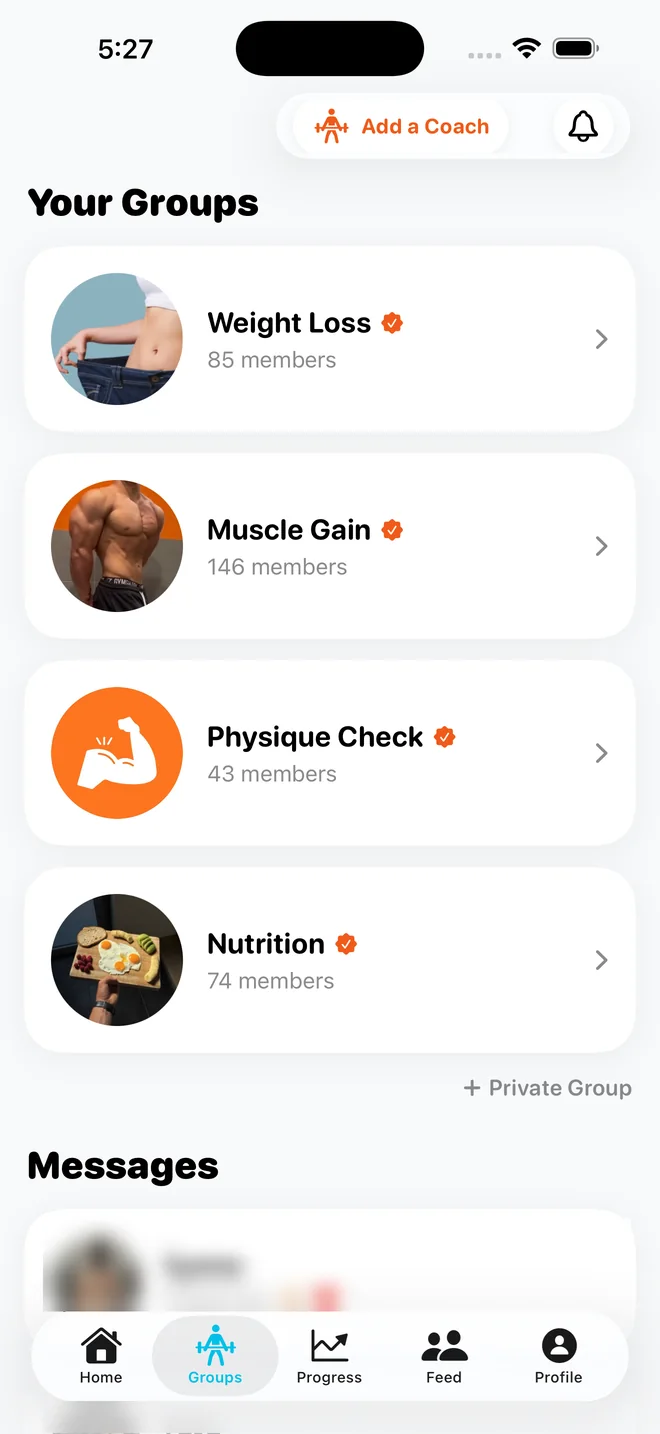
Screens from the FunFit app, as PNG files.
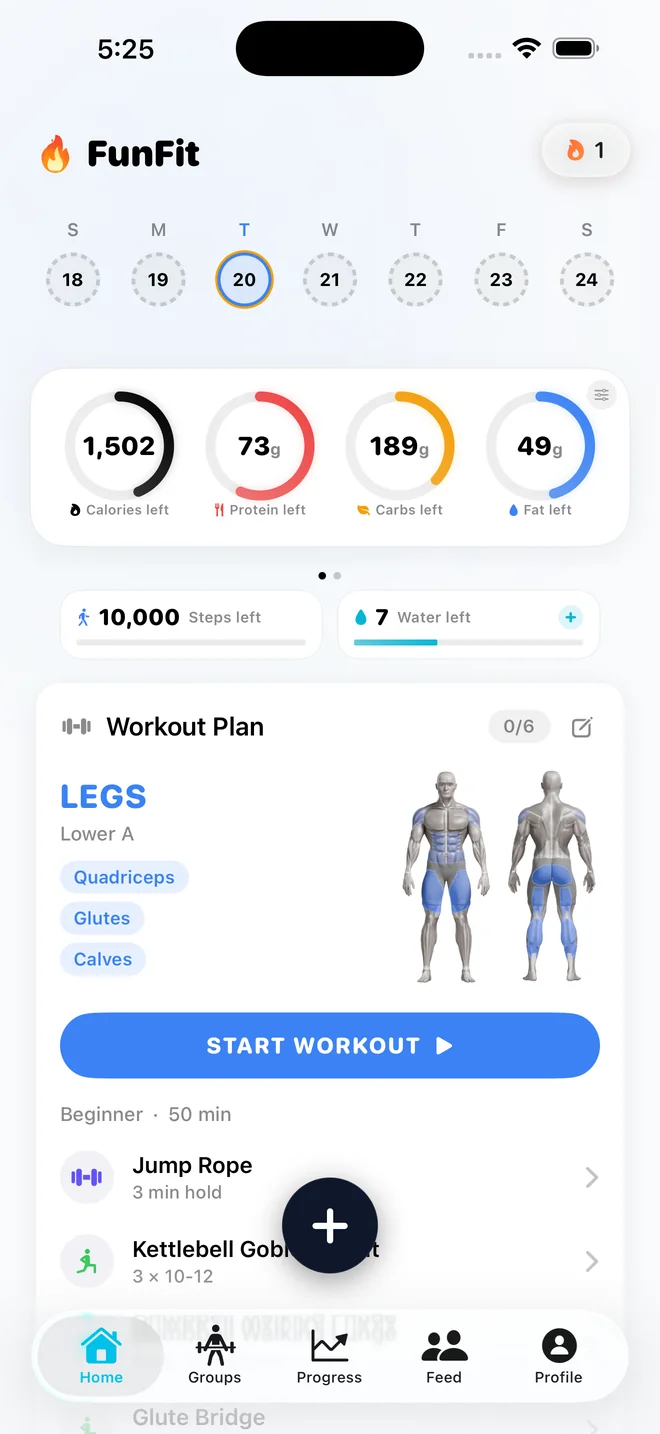
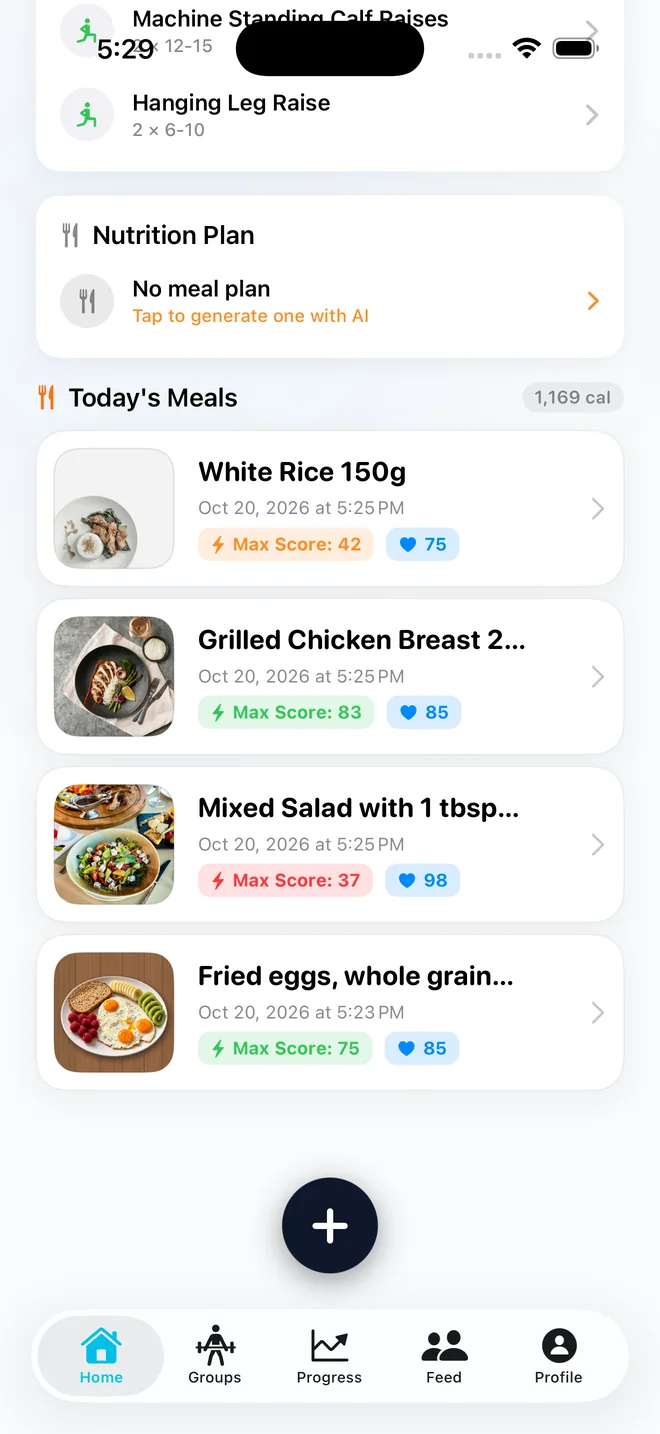
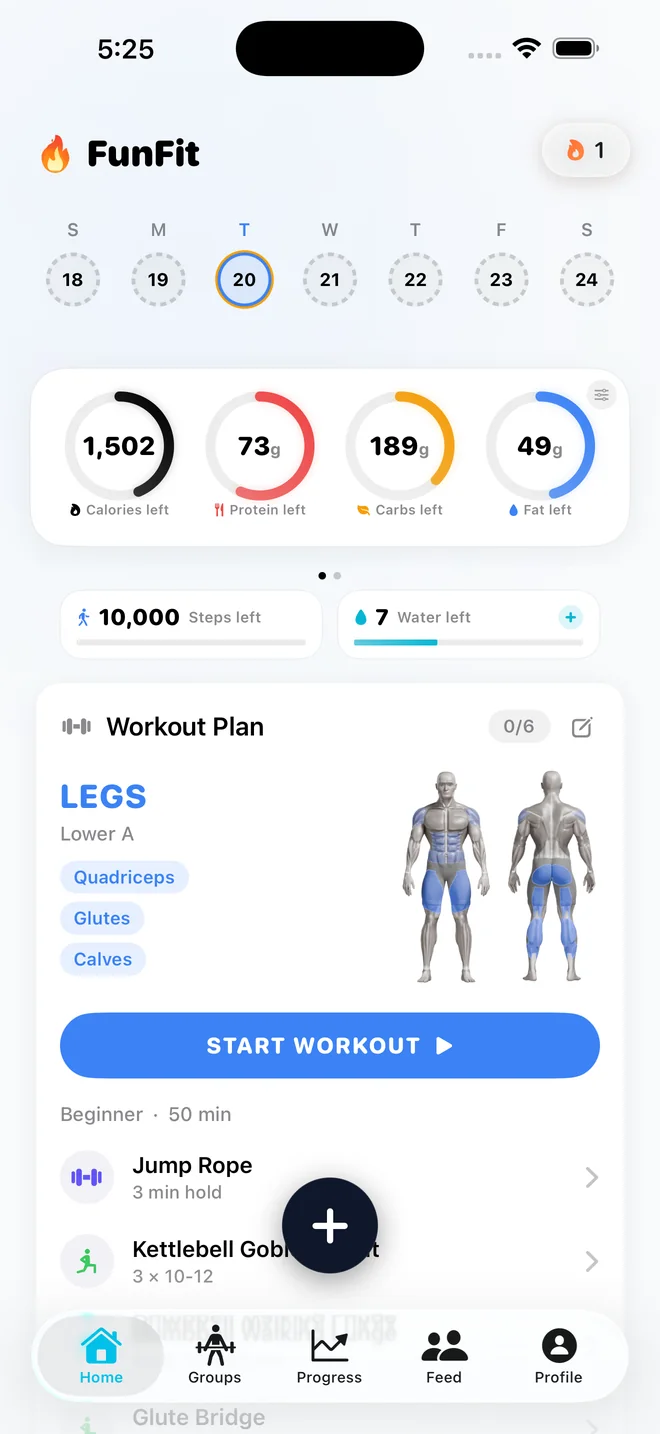
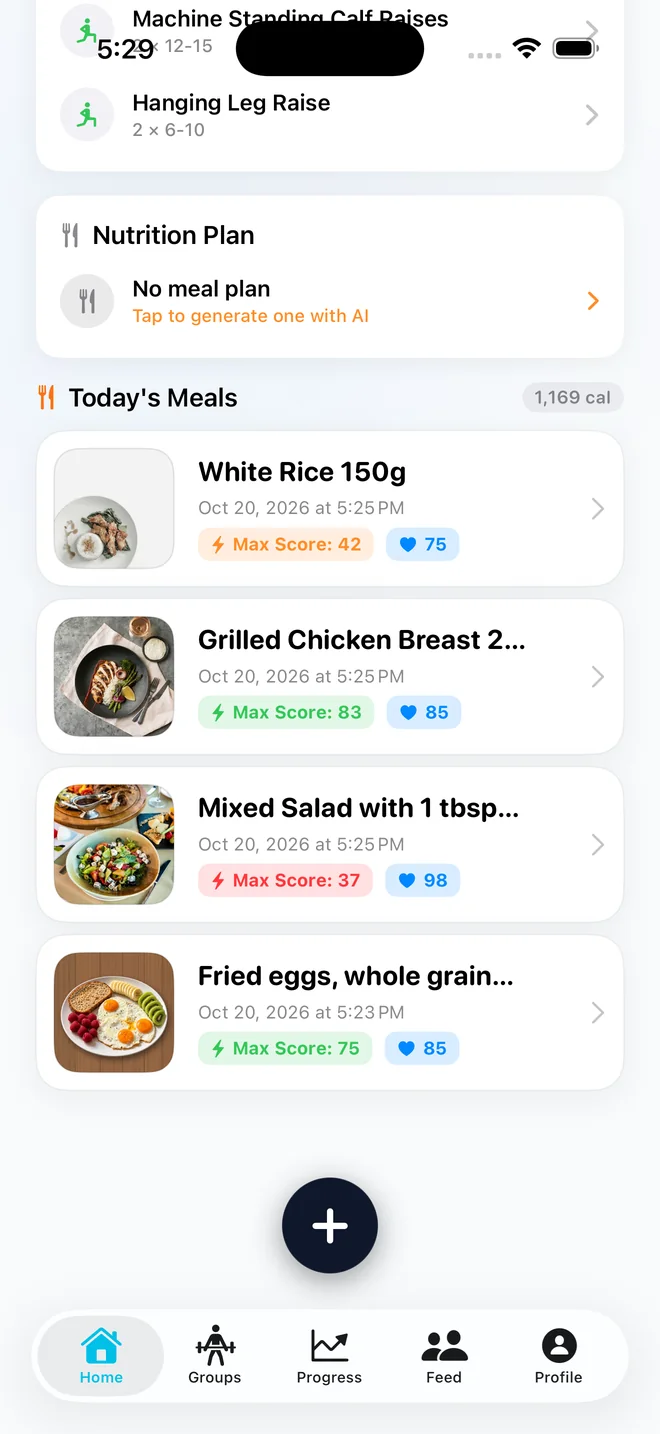
Home
Calories and macros left, steps, water and today's workout.
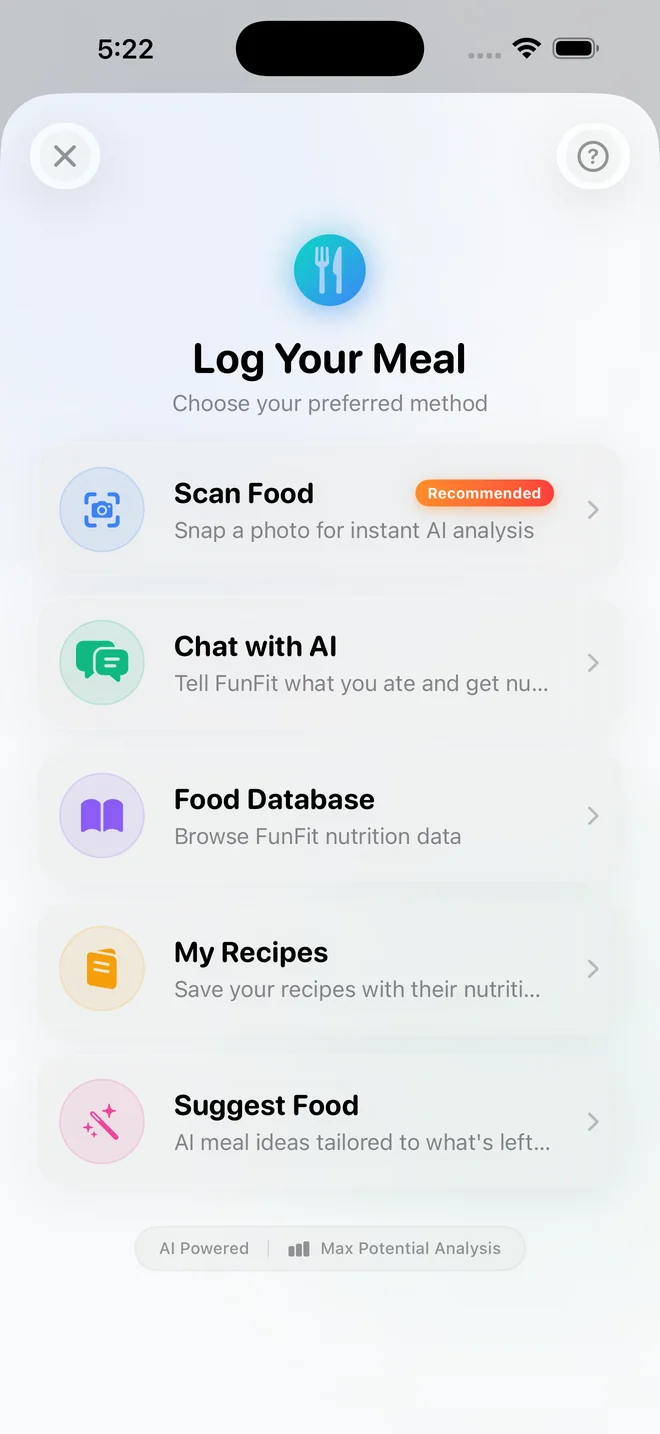
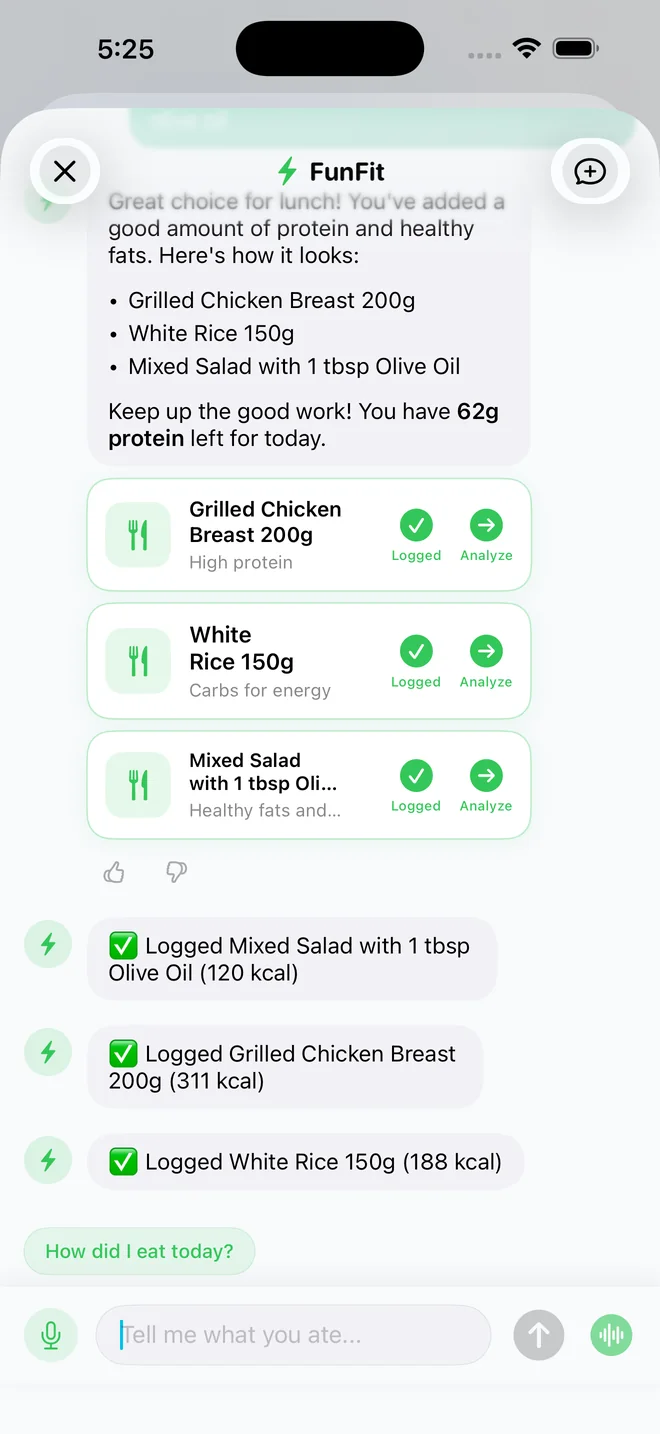
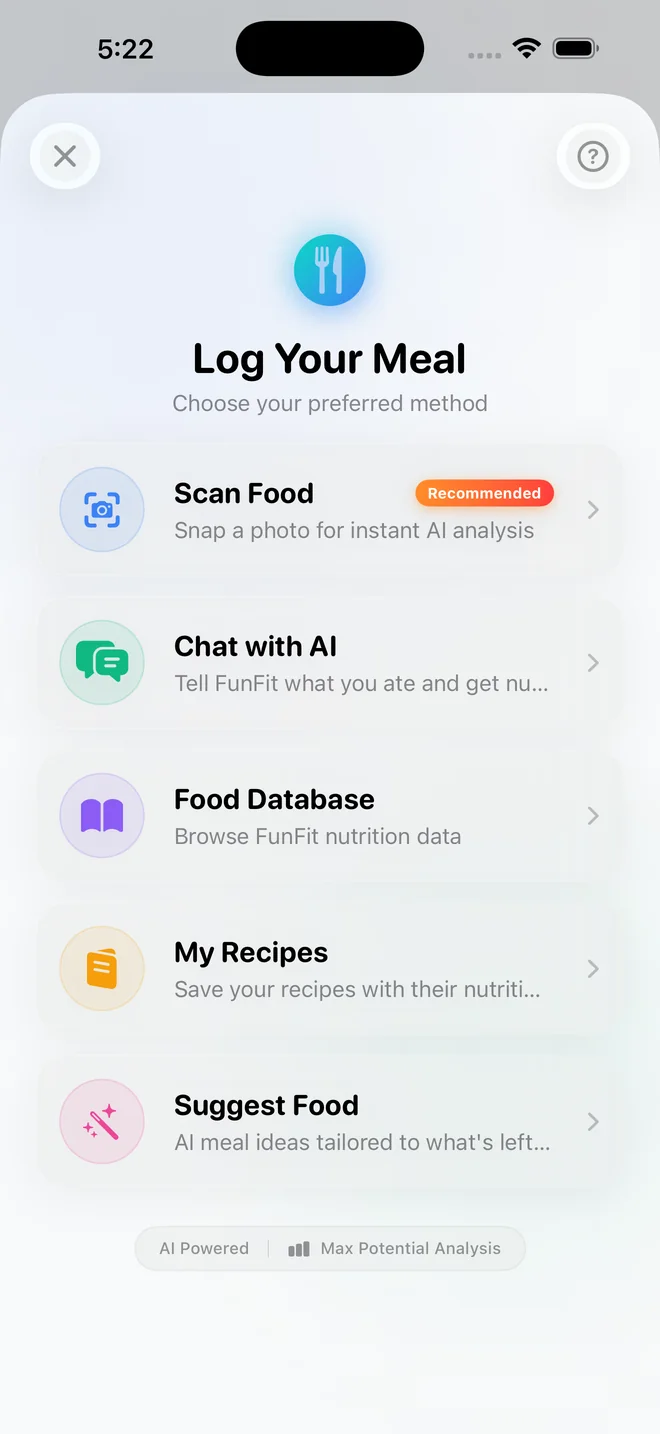
Log a meal
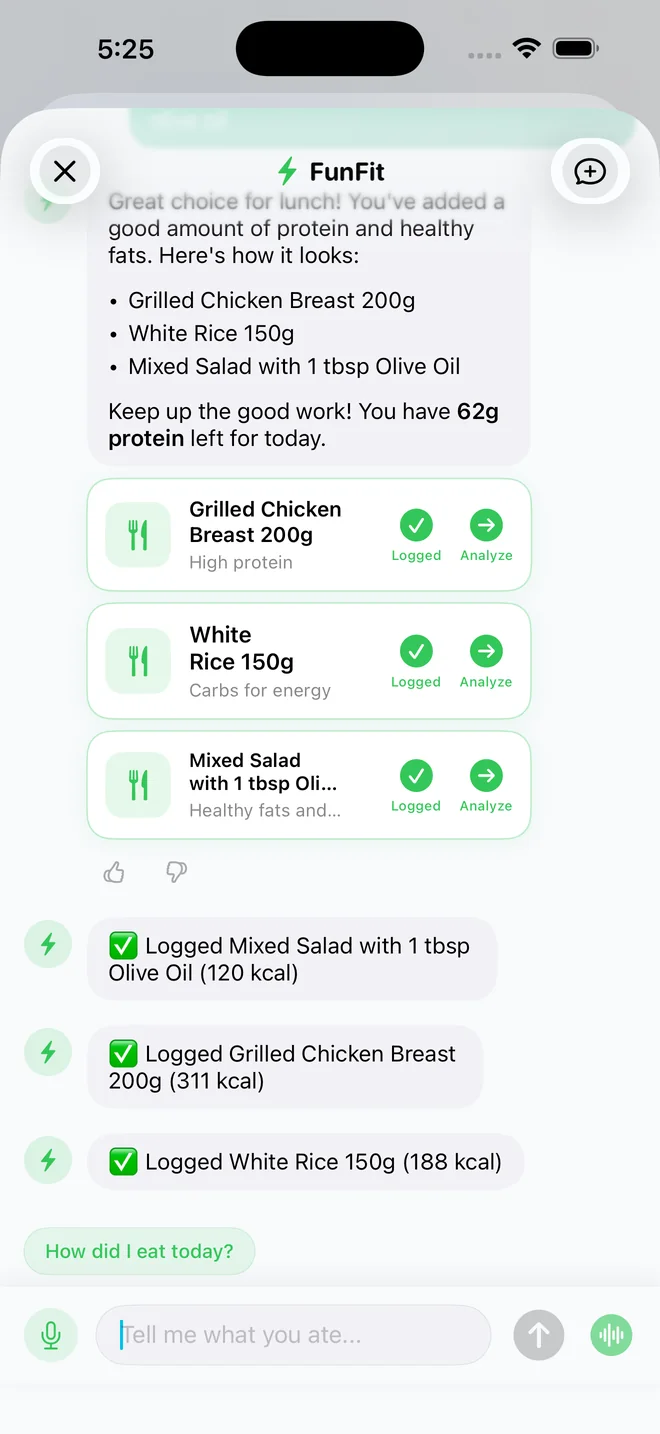
Scan food, chat with AI, browse the food database, pick a saved recipe or get a meal suggestion.
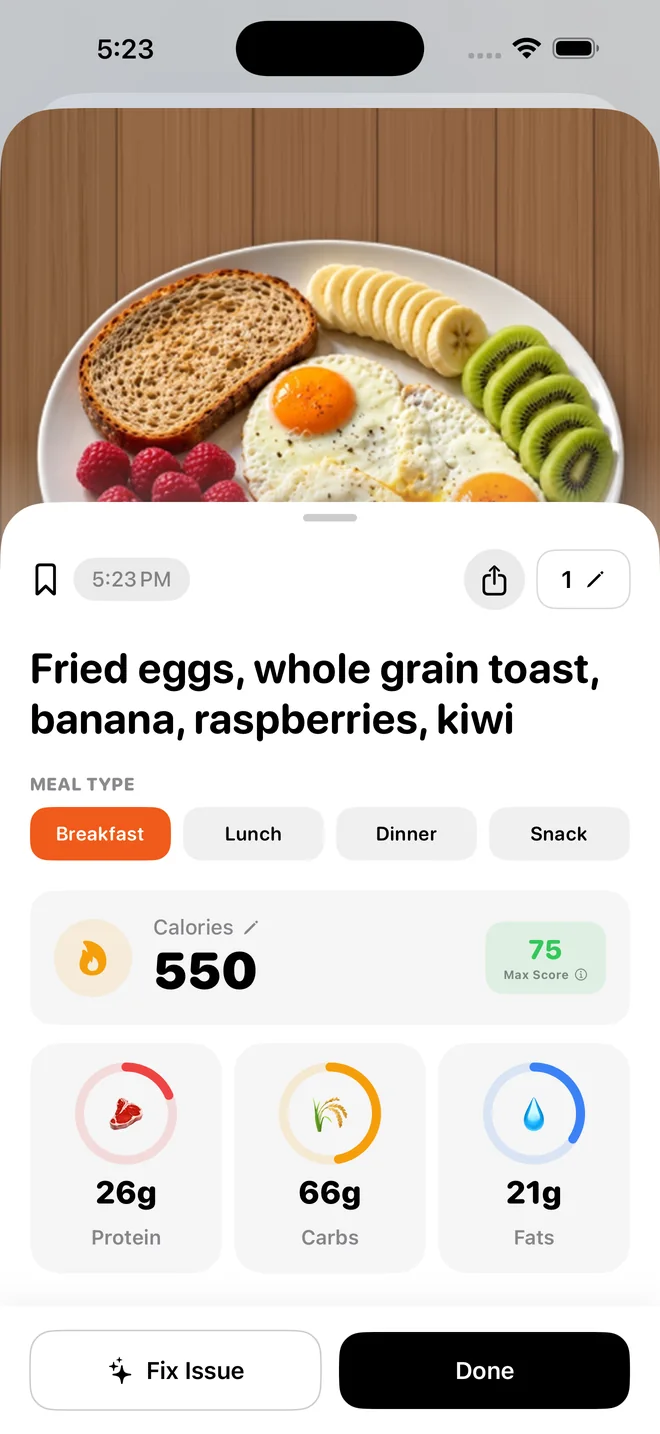
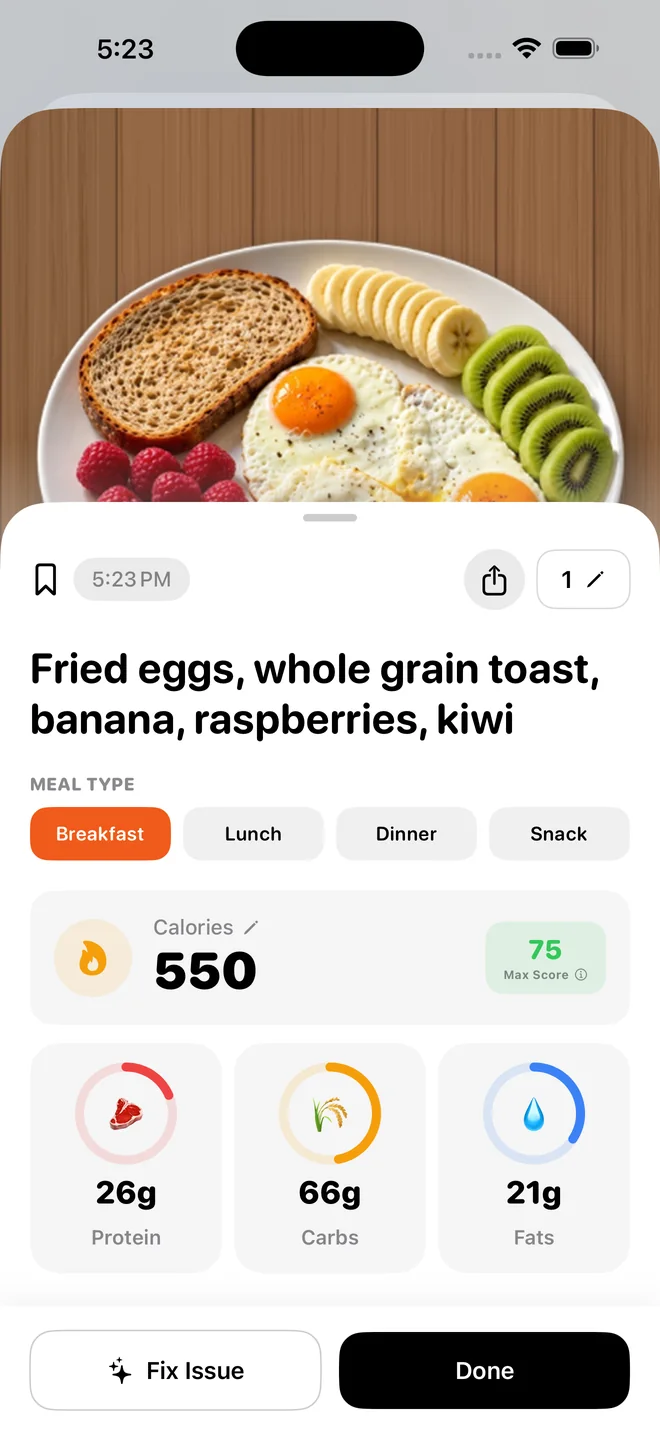
Food scan result
A scanned breakfast with its calories, protein, carbs and fat.
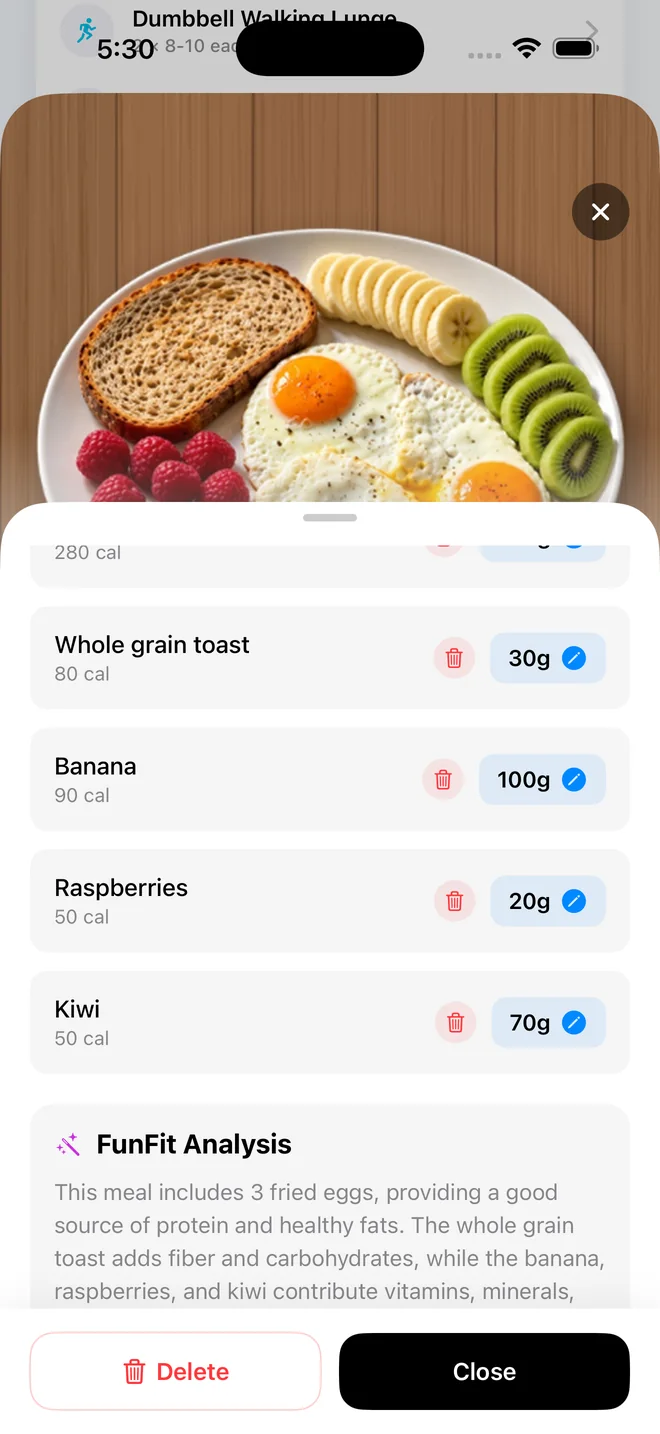
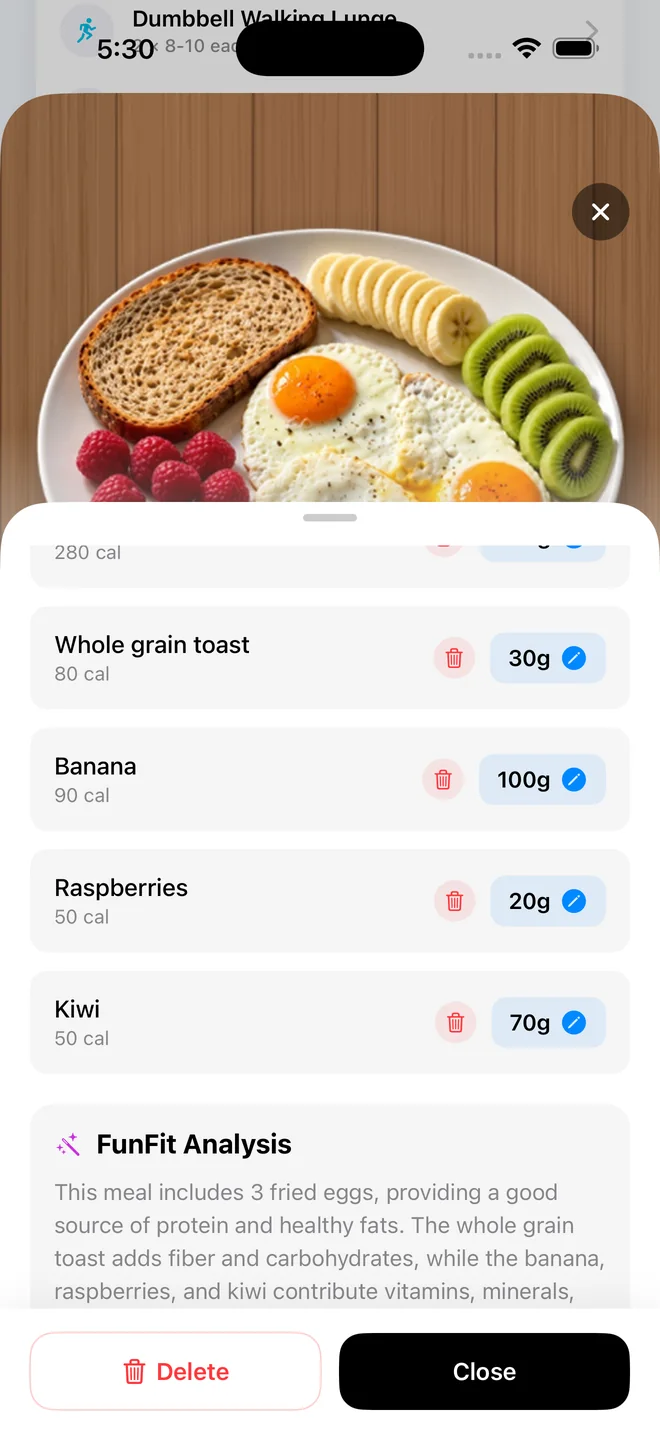
Scan breakdown
Each food in the meal, with its portion and calories.
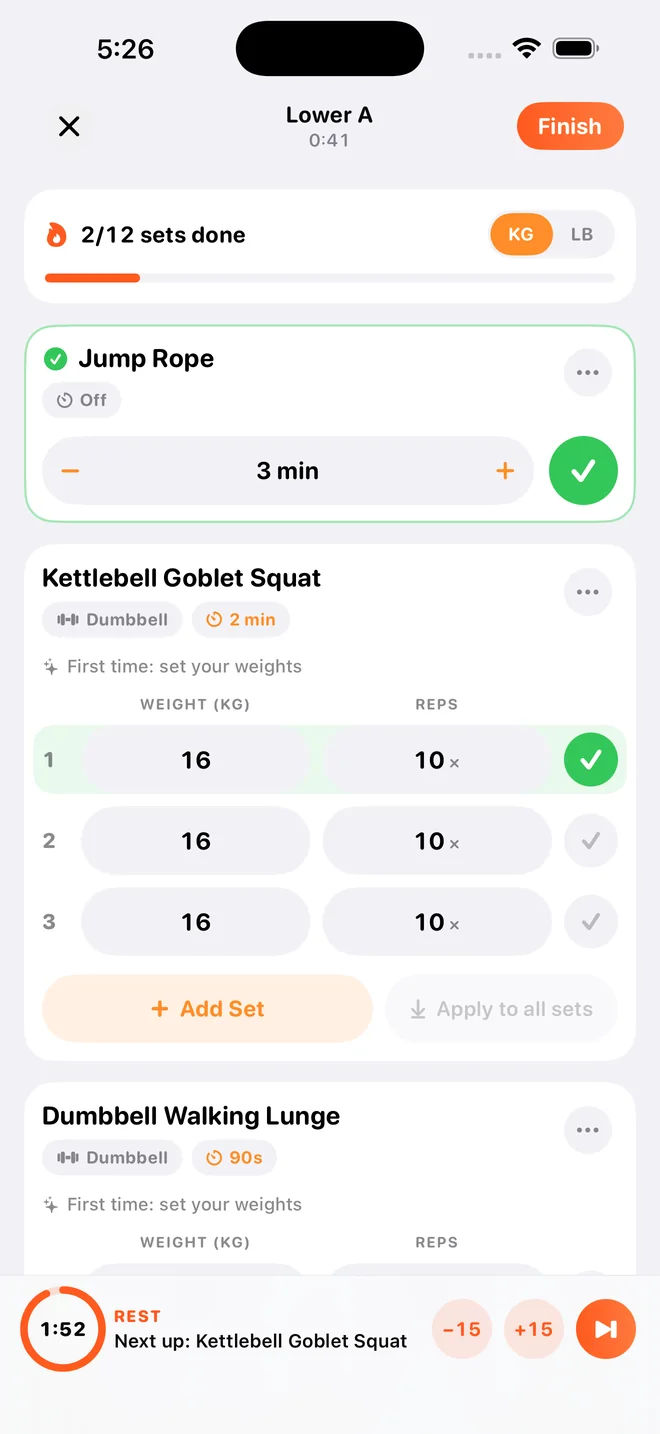
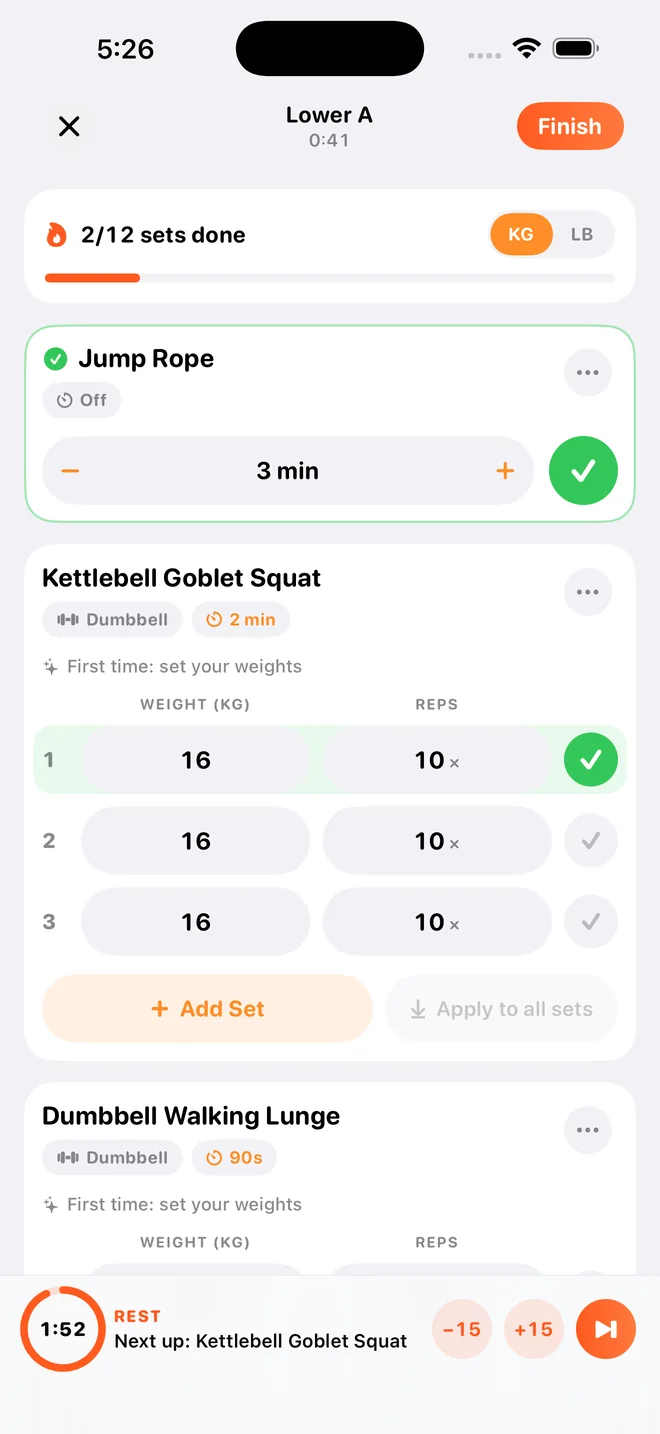
Active workout
Sets, reps and weights, with a rest timer.
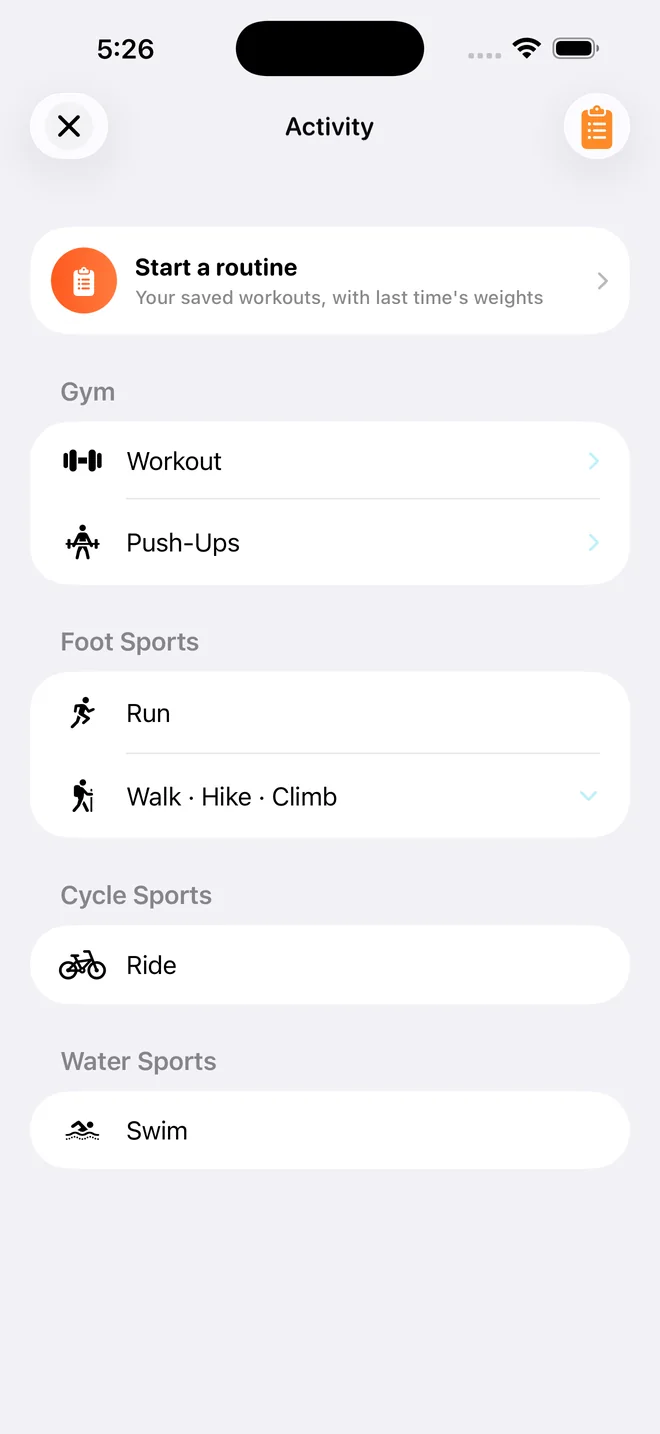
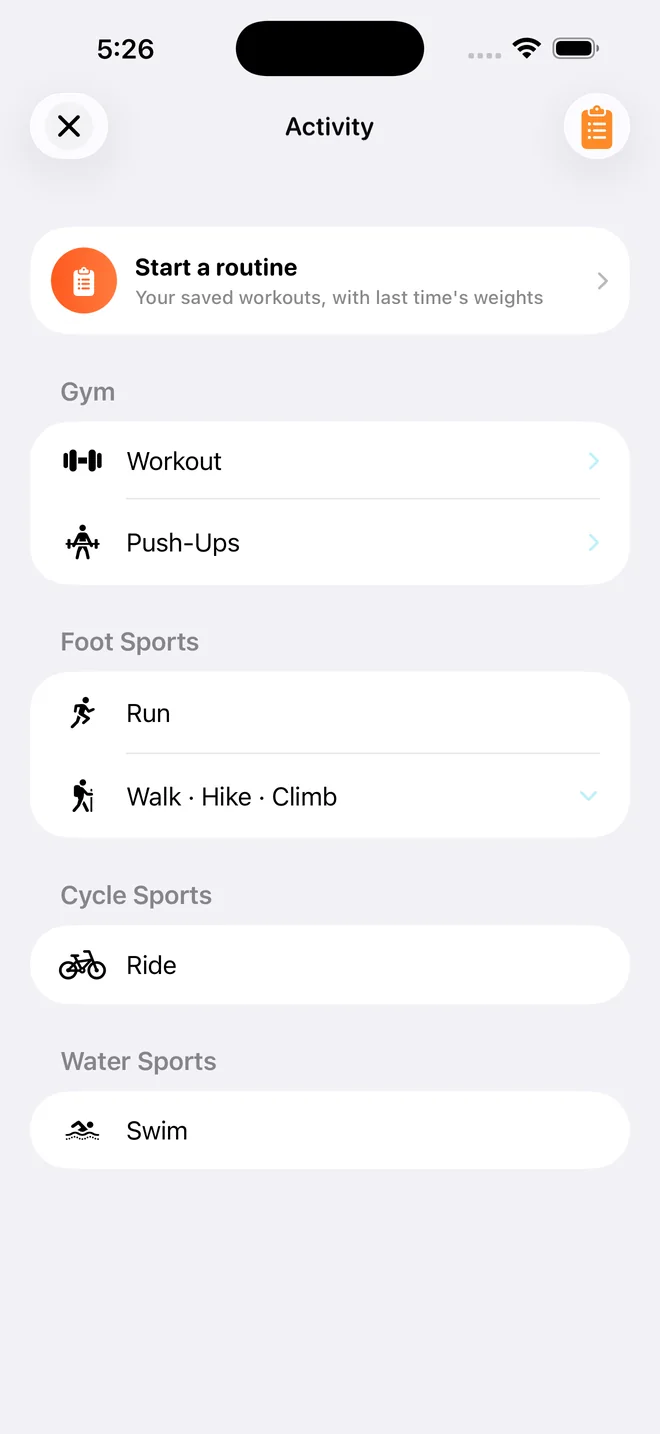
Activities
Routines, gym workouts, runs, walks, hikes, climbs, rides and swims.
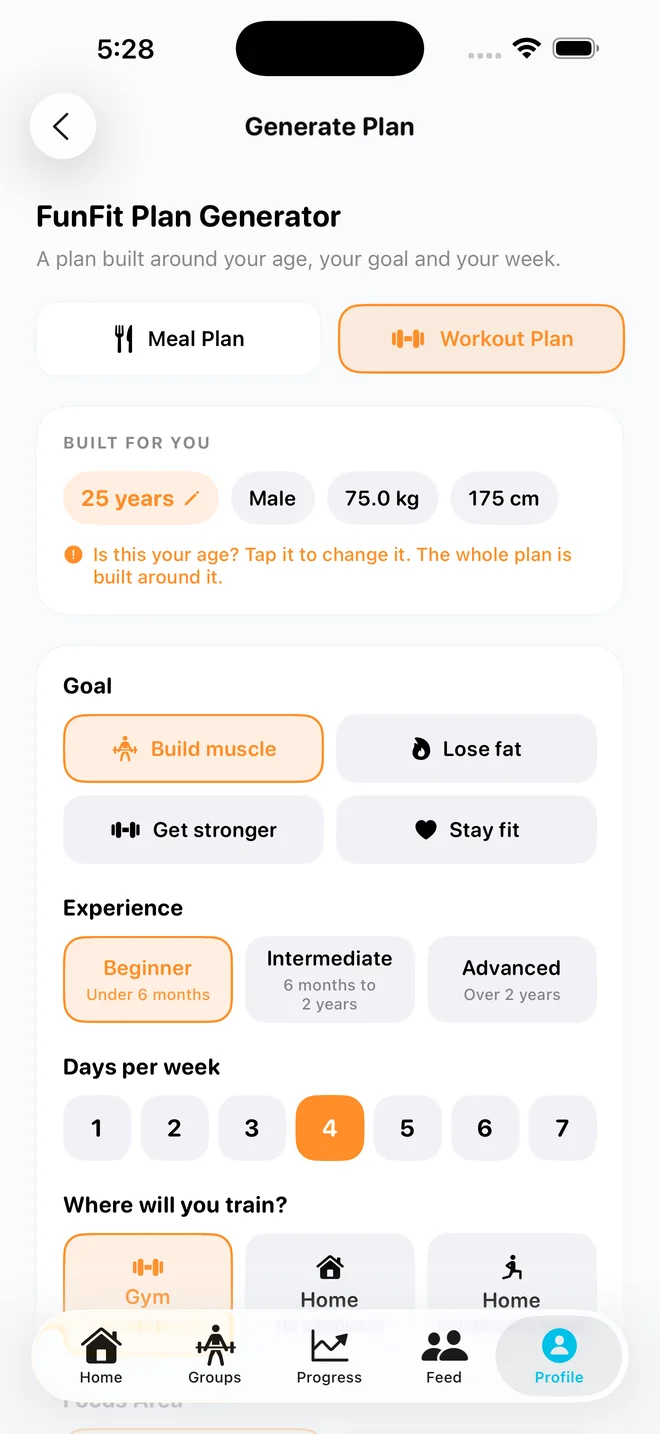
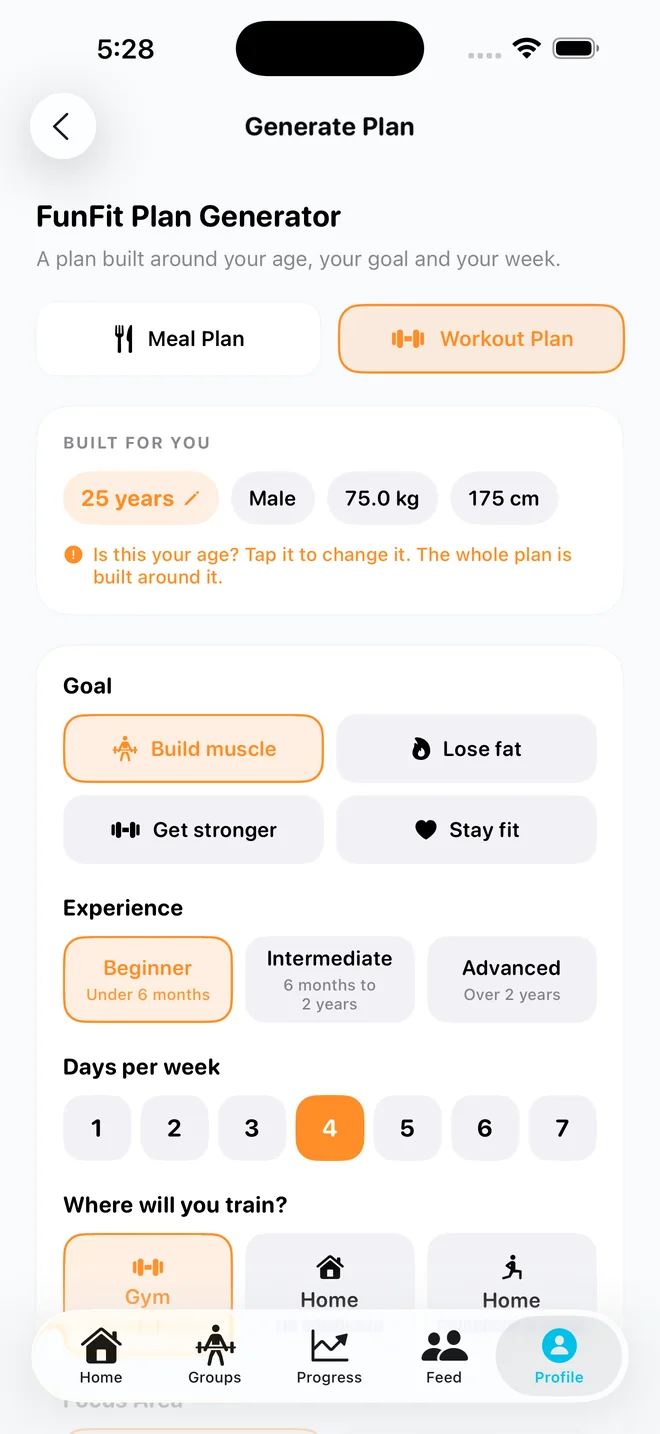
Plan generator
An AI workout or meal plan built around your goal.
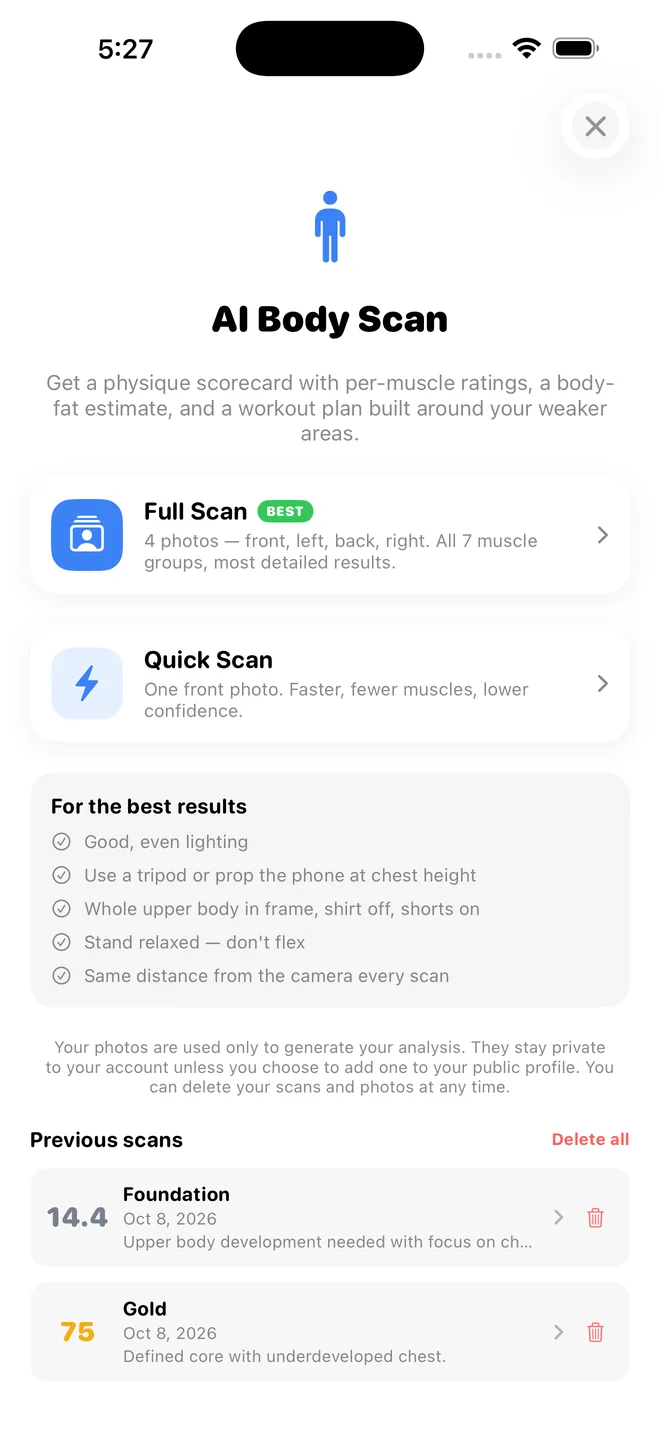
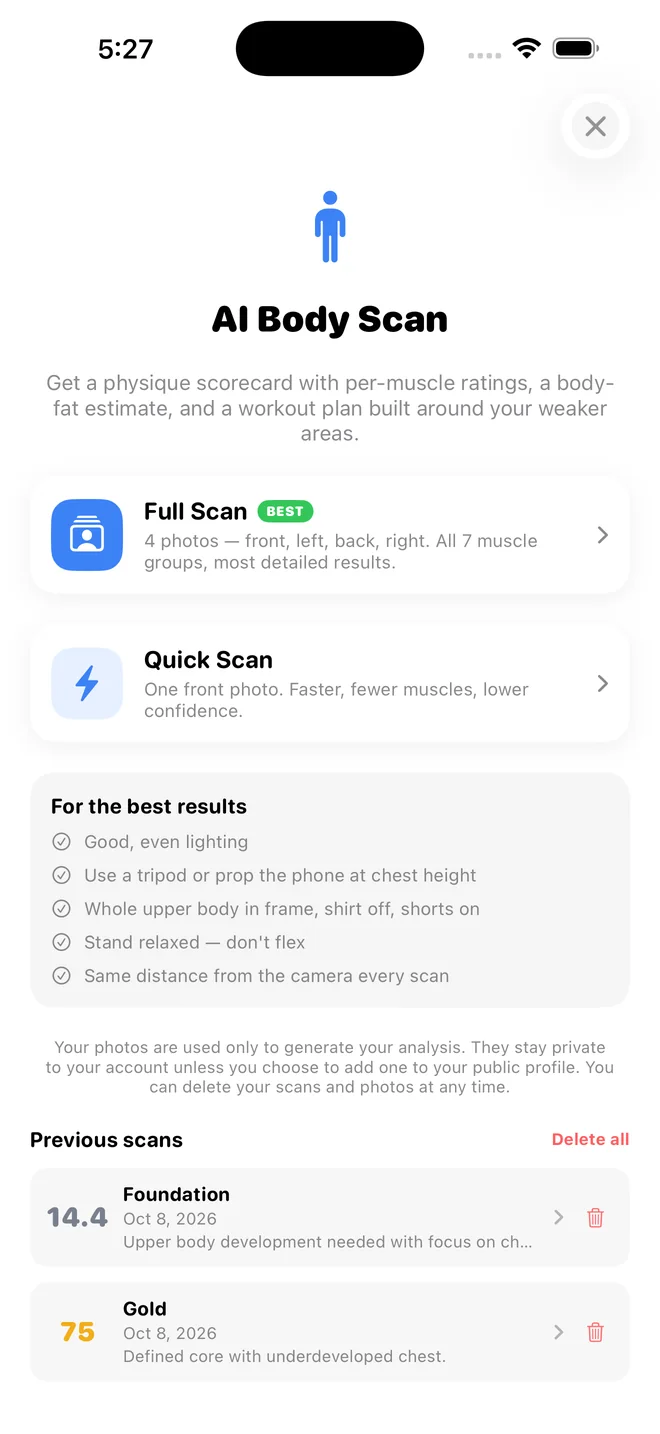
AI Body Scan
A full scan or a quick one, with earlier scores below.
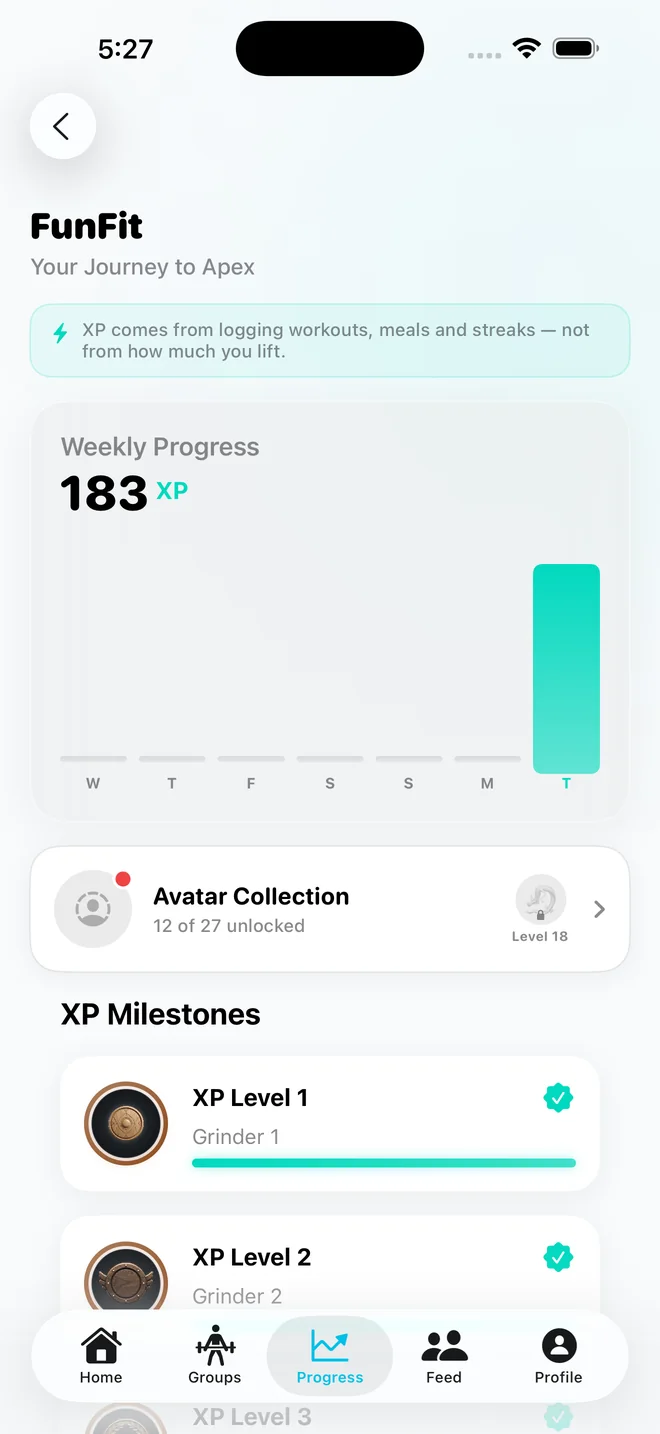
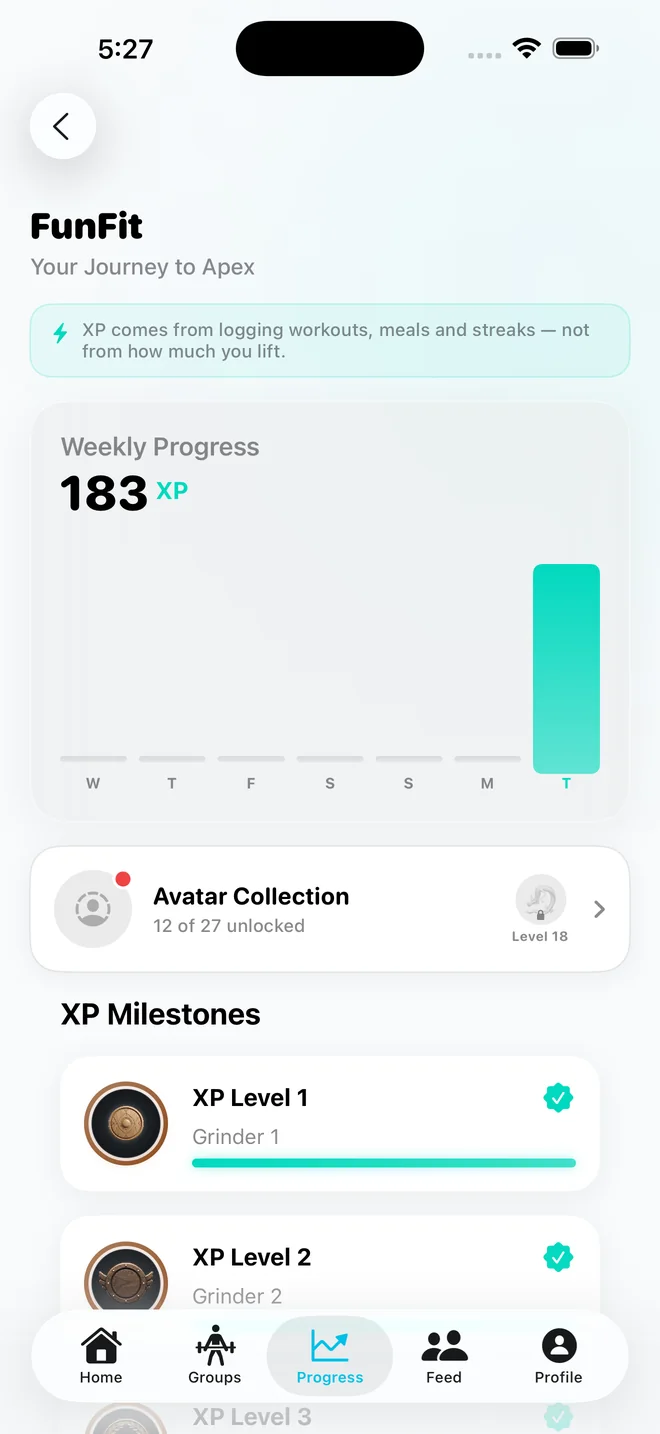
XP journey
XP for the week, the avatar collection and XP milestones.
Showing and describing FunFit
Use these screens or your own recordings of FunFit. Crop, zoom and place them in a phone frame as you like.
If your post is paid or gifted, label it as an ad, as your platform and local rules require.
No edited numbers, and no features or results the app doesn't have.
FunFit is not a medical device and its numbers are estimates. Don't say it guarantees weight loss, muscle gain or any health outcome.
Making something about FunFit?
We are happy to help, and to send anything this page is missing.
It opens the App Store on iPhone and Google Play on Android. Working with us as a creator? Ask us for a link of your own.
For interviews, partnerships, other file formats, or a screen you can't find here.
Permission
You may use these files to talk about FunFit or to link to our app, as long as you follow these rules. Our name and icon stay ours, and we may change these rules or withdraw permission at any time.